Style Guide
Write better, faster. Ghost's intuitive editor and powerful features streamline your workflow, so you can focus on what matters. Explore the default Yuuga styles to elevate your post's visual appeal.
Typography
Heading 1
This bold style is the designated style for emphasizing key points, while this italicized style is reserved for highlighting supplementary information. Hyperlinked text, on the other hand, is distinguished by this unique formatting, drawing attention to clickable elements within the document.
Heading 2
For the sole purpose of demonstrating sentence structure and stylistic choices, this sentence has been included, and it is not intended to convey any substantive information or thematic significance.
Heading 3
This particular sentence has been included solely as an illustrative example and should not be interpreted as a meaningful statement or theme.
Heading 4
Heading 5
Heading 6
Quotes
You can make quotes stand out with two types of blockquote styles that can be applied directly in the editor.
There are only two ways to live your life. One is as though nothing is a miracle. The other is as though everything is a miracle — Albert Einsten
There are only two ways to live your life. One is as though nothing is a miracle. The other is as though everything is a miracle — Albert Einstein
Images
Once you start mixing text and image cards creatively, the whole narrative of the story changes. Suddenly, you're working in a new format.
Regular width

Wide width

Full width

Gallery
As it turns out, sometimes pictures and a thousand words go together really well. Telling people a great story often has much more impact if they can feel, even for a moment, as though they were right there with you.



This caption is provided for illustrative purposes only.
Bookmarks
When using a URL with the right meta information, it can show the page title, excerpt, author, publisher and even a preview image. This is a great way to share links from sites that don't have automatic embeds.

This caption is provided for illustrative purposes only.
Buttons
This example showcases the different alignment possibilities for buttons. A centered or left-aligned positioning can be implemented to enhance the overall design aesthetic.
Callouts
Ever find yourself wanting to add extra styling to important information in your posts? Well, now you can with callout cards. Each callout card can include an emoji, any length of text with styles and links, and a custom background color.
Toggles
Use the Toggle card to create collapsible sections of text in your posts and pages. Great for creating distinct sections in your content, or adding an FAQ section.
When should I use Toggles?
Toggles allow you to create collapsible sections of content which is a great way to make your content less overwhelming and easy to navigate. A common example is an FAQ section, like this one.
How to get the Yuuga theme?
Follow this link to get the Yuuga theme.
Videos
Embed videos from platforms like YouTube and Vimeo, or you can now upload videos to your content in Ghost. Once uploaded, your video content renders in a beautiful video player. Videos can be set to loop, have their own custom thumbnails, and display in three different widths using the editor toolbar.
This caption is provided for illustrative purposes only.
Audio
It's possible to upload audio files directly to your posts! This means you can share audio content with your audience, with a beautiful media player that nests into your posts and emails seamlessly.
Files
This is an example of a file card, a visual element designed to allow your audience to conveniently download attached files.
Products
Display products beautifully with custom content including an image, description, button or rating, so you can add your favorite recommendations to any post...
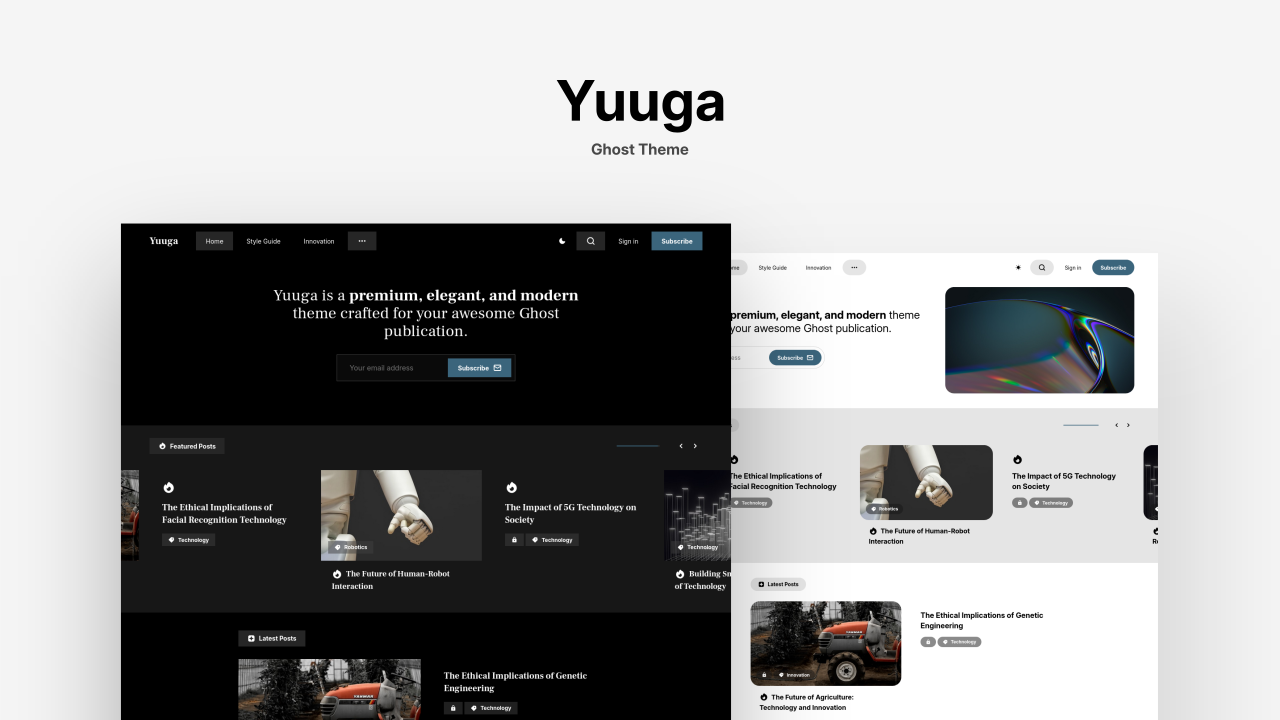
Yuuga — Ghost Theme
Yuuga is a premium, elegant, and modern theme crafted for your awesome Ghost publication.
Headers
Make a statement with bold section headers in your posts and pages. Insert a header card to add a regular, medium, or full width divider that can include a title, subheading, accent color or image background, and a button.
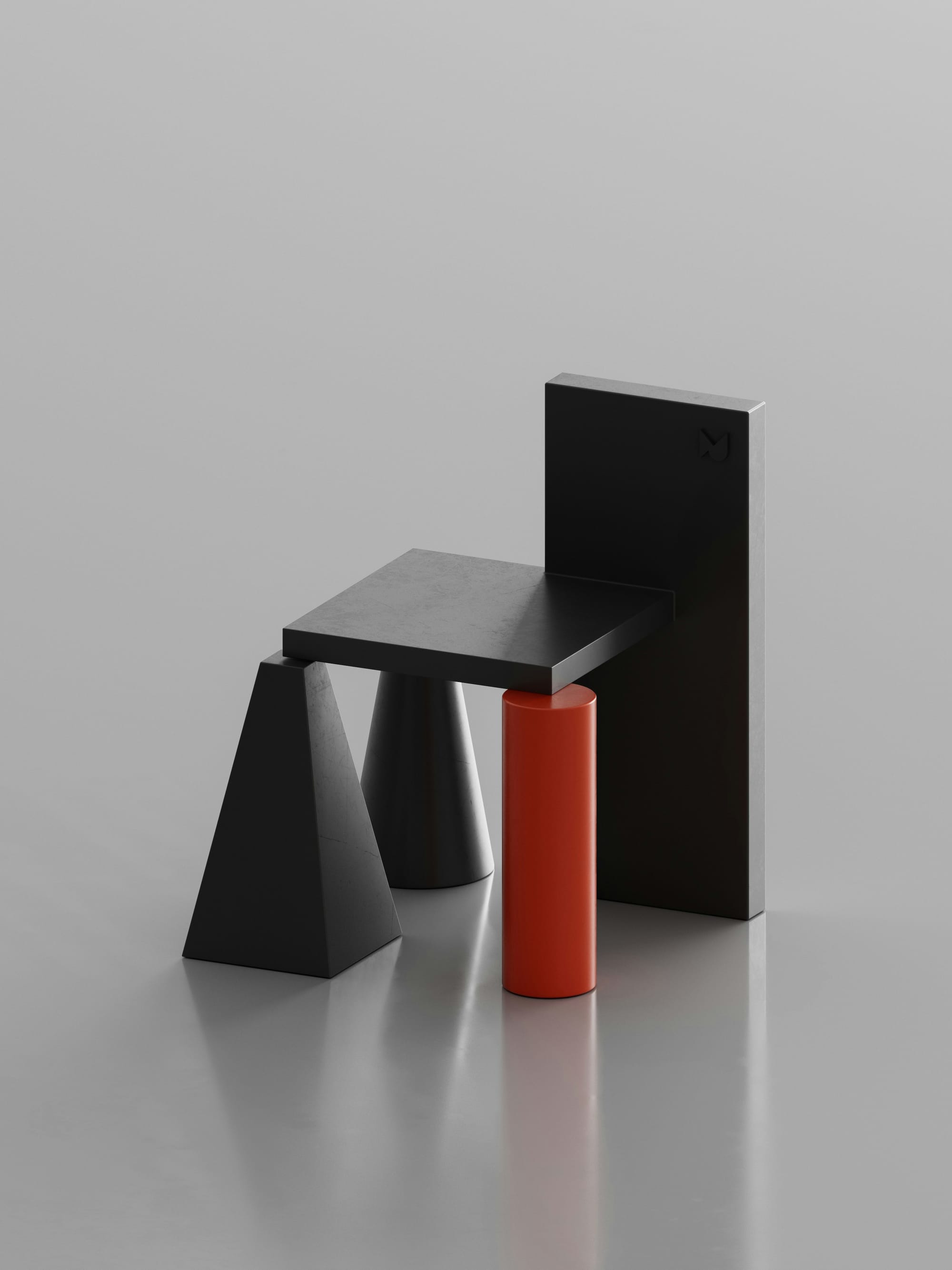
Yuuga Theme
Get ThemeEmbeds
Embed contents from platforms like YouTube, X, Unsplash, Vimeo, Codepen, Soundcloud and others.
YouTube
How to install Ghost locally
Spotify
back number - 水平線
Code Blocks
export default {
  data () {
    return {
      msg: 'Focused!' // [!code focus]
    }
  }
}
Lists
Ordered List
- We want everything to look good out of the box.
- Really just the first reason, that's the whole point of the plugin.
- Here's a third pretend reason though a list with three items looks more realistic than a list with two items.
Unordered List
-
I often do this thing where list items have headings.
For some reason I think this looks cool which is unfortunate because it's pretty annoying to get the styles right.
-
Since this is a list, I need at least two items.
I explained what I'm doing already in the previous list item, but a list wouldn't be a list if it only had one item, and we really want this to look realistic. That's why I've added this second list item so I actually have something to look at when writing the styles.
-
It's not a bad idea to add a third item either.
I think it probably would've been fine to just use two items but three is definitely not worse, and since I seem to be having no trouble making up arbitrary things to type, I might as well include it. I'm going to press Enter now.
Tables
| Wrestler | Origin | Finisher |
|---|---|---|
| Bret "The Hitman" Hart | Calgary, AB | Sharpshooter |
| Stone Cold Steve Austin | Austin, TX | Stone Cold Stunner |
| Randy Savage | Sarasota, FL | Elbow Drop |
| Vader | Boulder, CO | Vader Bomb |
| Razor Ramon | Chuluota, FL | Razor's Edge |